Install on WordPress, Shopify, Wix, Squarespace or any site
Pick your platform and follow the steps. Replace VOTRE-ID with your business ID.
In short
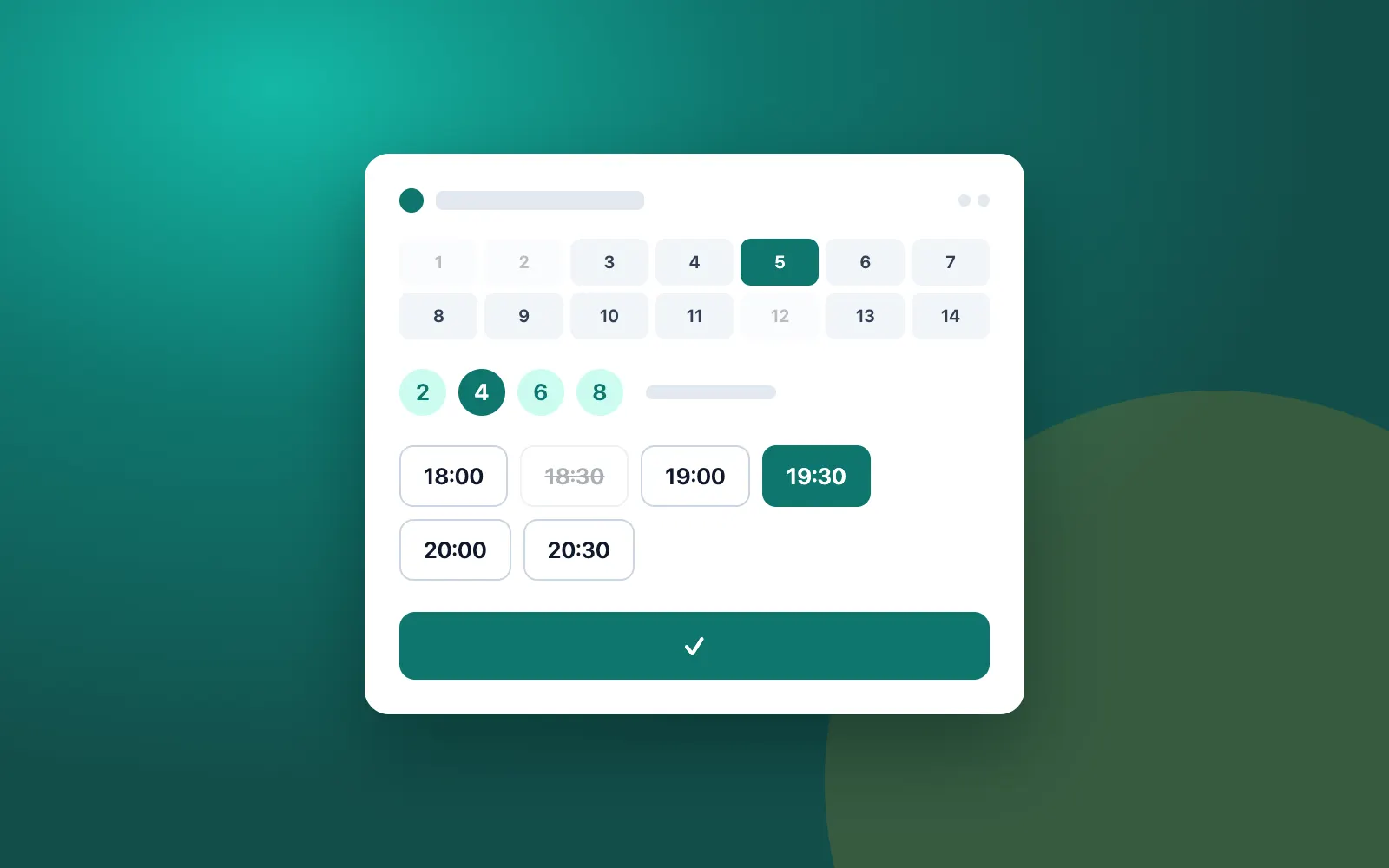
Krealo Réservations installs on any website with a single script tag pasted before </body>, which shows a floating Réserver button. There is also a WordPress plugin, a Shopify app, and steps for Wix and Squarespace. If your site cannot take custom code, share the booking link or the QR code from your dashboard.
Any HTML site, Webflow or other
Paste this code just before </body>: <script src="https://krealo-reservations.web.app/embed.js" data-merchant="VOTRE-ID" async></script>. A floating Réserver button appears on the page. To show the widget inside the page, add <div data-krealo-reservations="VOTRE-ID"></div> where you want it, with the same script.
WordPress
Install the «Krealo Réservations» plugin. Go to Settings → Krealo Réservations and paste your ID and API key. Then show the booking widget with the [krealo_reservations] shortcode or the Gutenberg block, or enable the floating button.
Shopify
Install the app. In Online Store → Themes → Customize → App embeds, enable «Krealo Réservations». You can also add the «Réservation» app block to a page.
Wix, Squarespace or a site with no code access
Wix: Settings → Custom code → Add code (body end), then paste the script tag; for the inline widget, use an Embed HTML element. Squarespace: Settings → Advanced → Code injection → Footer for the floating button, or a Code block for the inline widget (Business plan or higher). Cannot add code? Share the link https://krealo-reservations.web.app/b/VOTRE-ID or the QR code from your dashboard.
- One script tag, no CSS conflicts
- data-lang: fr, en or es
- data-color: the button color, for example #0f766e
- data-label: the button text, for example Réserver
- data-mode: button (floating) or inline (in the page)
- Webflow: paste the code before </body>
Frequently asked questions
Where do I paste the booking code on an HTML site?
Just before the </body> tag. The floating Réserver button then shows on the page.
How do I show the booking widget at a specific spot on the page?
Add <div data-krealo-reservations="VOTRE-ID"></div> at that spot, then the same script tag before </body>. You can also set data-mode to inline.
What if my website does not let me add code?
Share your booking link https://krealo-reservations.web.app/b/VOTRE-ID or the QR code available in the dashboard.
Ready to take bookings online?
Start the 7-day trial with no credit card, or send us your questions about your restaurant, salon, spa or clinic.