Booking widget for your website
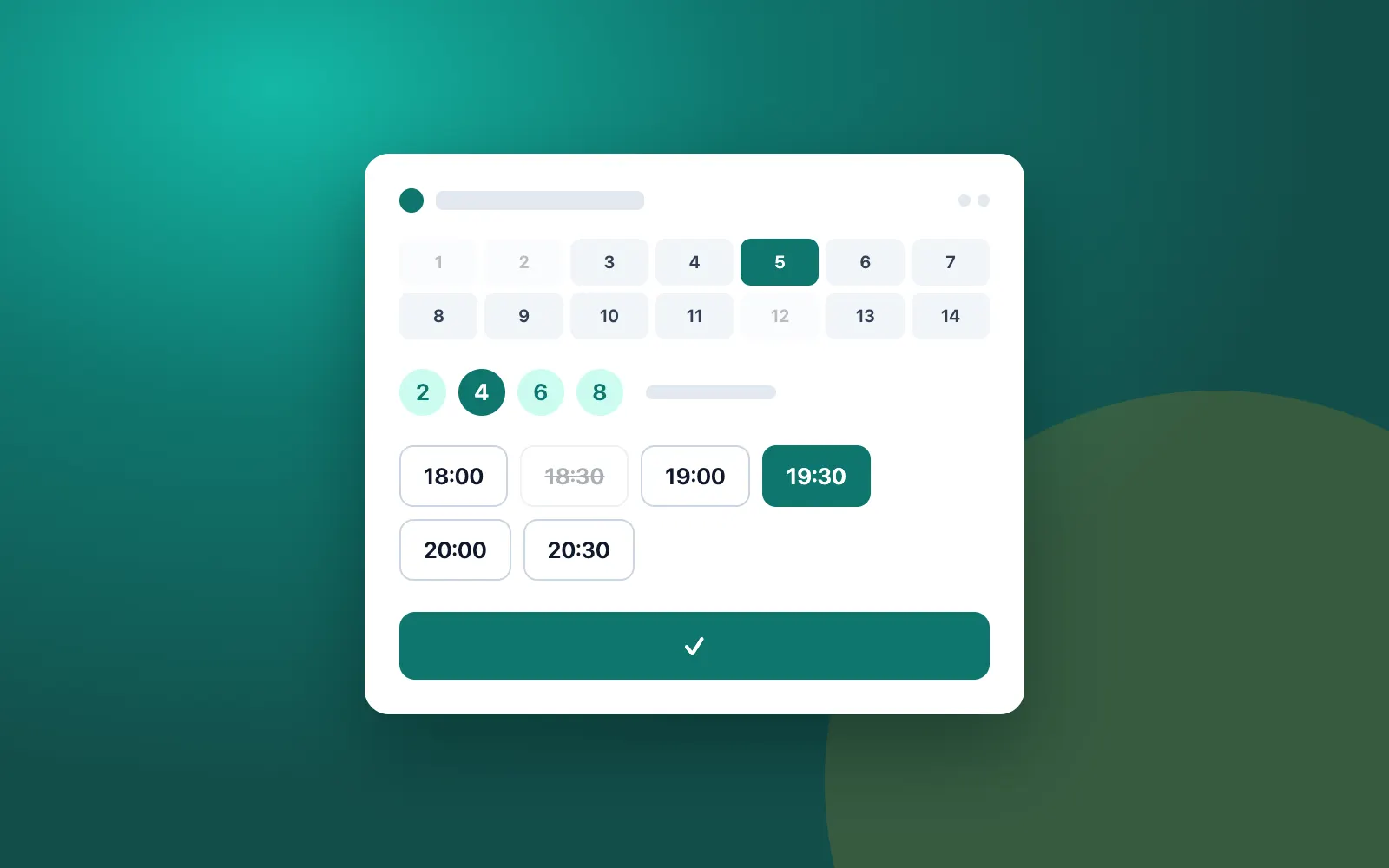
You don't have to rebuild your website to accept bookings. One script tag is enough. Then you pick the format: a floating booking button or a widget placed right on a page.
In short
The Krealo Réservations widget, built by Krealo Media in Montréal, adds online booking to a restaurant, salon, spa or clinic website with a single script tag. Choose a floating booking button or an inline widget, in English, French or Spanish, with no CSS conflicts. It's included from the Essentiel plan up; start the 7-day trial to install it.
Floating button or inline widget
The floating button stays within reach while visitors browse your pages. The inline widget appears exactly where you place the tag, for example on your Menu or Contact page. You can adjust the colour, the button label and the display mode.
No clashes with your theme
The widget is isolated in a shadow DOM or an iframe. Your site's styles won't distort the form, and the form won't change how your site looks. That's what lets you add it to an existing theme without touch-ups.
English, French and Spanish
The widget displays in English, French and Spanish. Customers book in the language that suits them, and you don't have to build three separate forms.
Pricing and next steps
The widget is included from the Essentiel plan up, at $29 a month in Canadian dollars, before taxes. After you start the 7-day trial, you add the tag to your site. Platform-specific instructions are in the installation guide.
- One script tag to add
- Floating booking button or inline widget
- Shadow DOM or iframe: no CSS conflicts
- Adjustable colour, label and mode
- Interface in English, French and Spanish
- Included from the Essentiel plan up
Frequently asked questions
Will the widget break my website's design?
No. It's isolated in a shadow DOM or an iframe, so your styles and the widget's styles stay separate.
How do I install the booking widget?
Add a single script tag to your site. For WordPress, Shopify, Wix, Squarespace or Webflow, follow the installation guide, which covers each platform.
Can I change the button colour and text?
Yes. Colour, label and mode (floating button or inline widget) are all adjustable.
Ready to take bookings online?
Start the 7-day trial with no credit card, or send us your questions about your restaurant, salon, spa or clinic.